This week, I actually managed to get some sort of style transfer going. I also noticed a few mistakes that I had made, and had to deal with a few Unity issues.
My first step this week was turning my “bloom” pattern into 5×5 blocks. I pulled them out diagonally instead of blooming them for the sake of speed, although I think that my next step today will be to try the semi-functional algorithm with both the regular “bloom” pattern, and the “bloomed blocks”. I’d like to see what kind of results I get with each so that I have a better idea of what looks best moving forward. For this stage, I also created a very similar normal-texture so that I would have reference data to use within the shader.


The next step was updating the shader. I needed to update the way that I sorted my data into “bins”, or coloured blocks. I had previously been incrementing and decrementing my “bin” by an integer, which didn’t make sense with texture scaling. I also needed to make sure that my return types were correct and that I was getting fairly relevant data.
This is where I ran into a Unity issue. After making some updates to my code in VS Code, I swapped back over to Unity. Typically, Unity gives error information when it attempts to compile shaders and C# code when it detects a change on the system. When I swapped back to Unity, the whole UI seemed to crash – I wasn’t able to interact with or view my scene in Scene view or Game view, and letters were disappearing from the UI – almost like the font files were gone. I ended up trying a few different things – I was pretty sure a file was corrupt, or that my Unity installation (I was running an alpha build) had failed. I ended up trying to re-install a few versions of Unity and Unity Hub, tried working with my scene in each, and I was still getting the same error. I tried to build a new scene from scratch, and when I attached my shader, that scene crashed too. At that point, I ended up going back through the shader and found a few bugs. Now I know that Unity itself can crash if your shader code is bad.
After I got my shader up and running, I realized that some of my other code was also wrong. I noticed that I was getting the wrong u* value for use in the main StyleBlit loop. Its value is supposed to be u* = argminu || GT[ql] − GS[u] ||
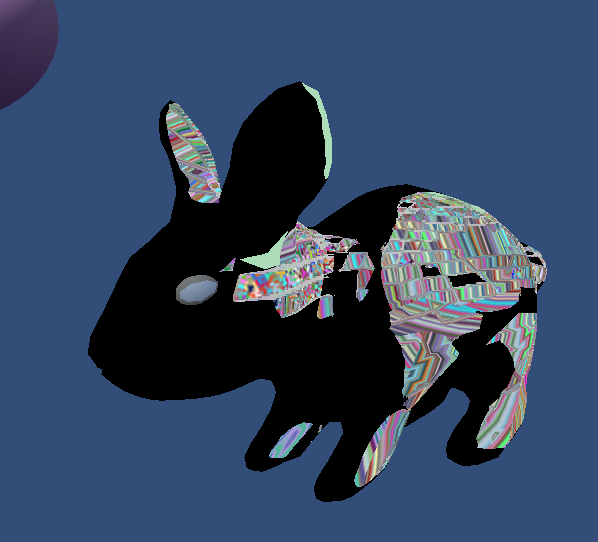
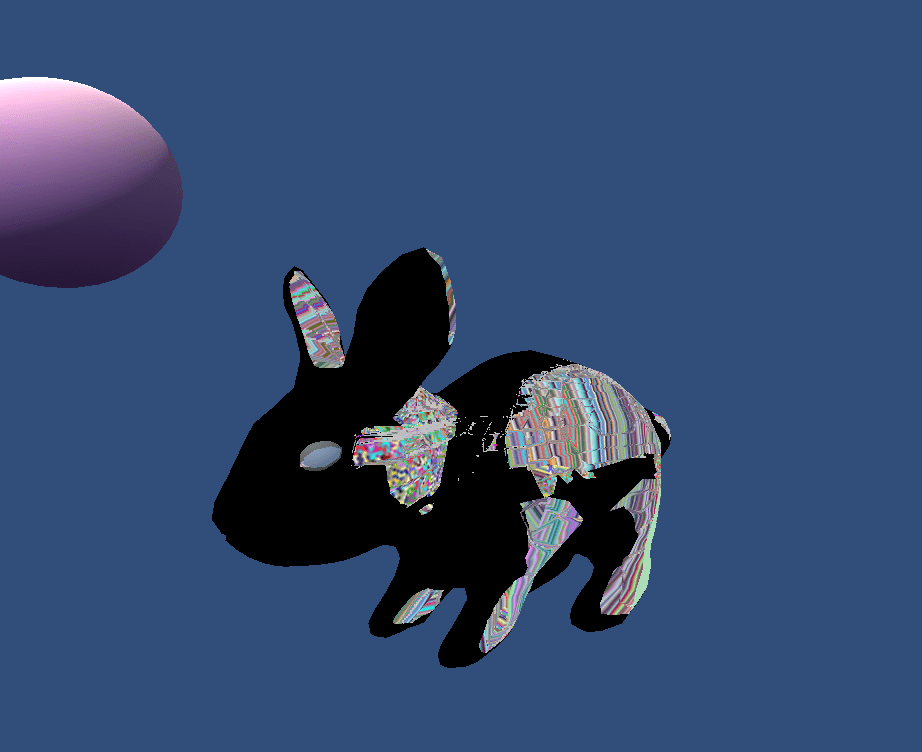
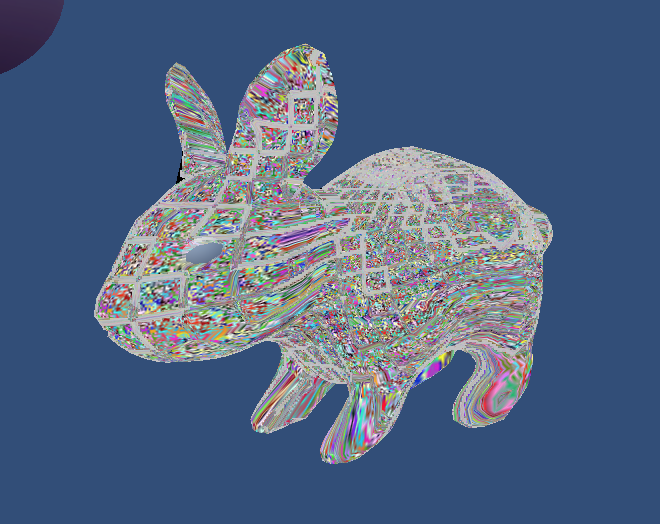
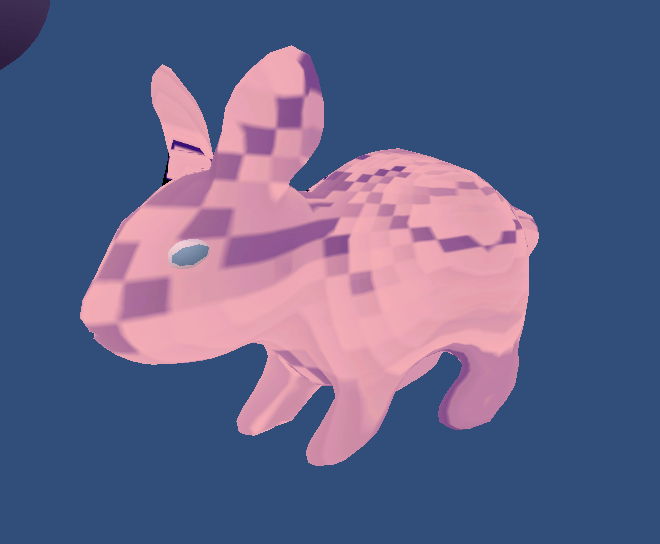
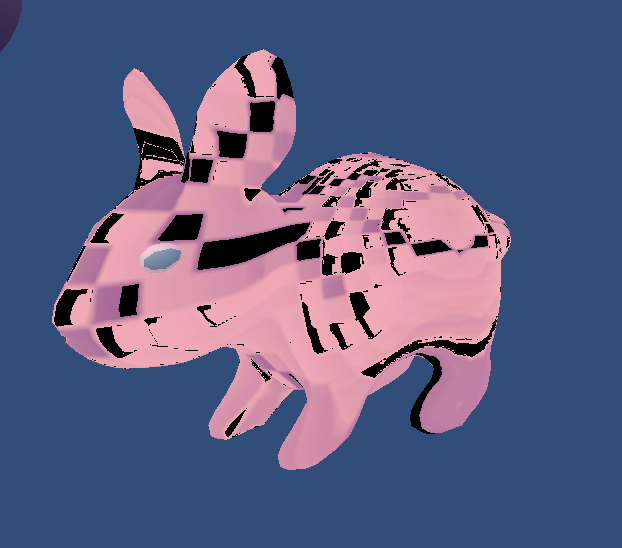
in which we are comparing the values at the target and source guides, where we may need to use some sort of lookup table to find this value. In this case, I don’t believe that a complex lookup is required due to the nature of the guiding channels used. However, I was assigning the wrong value – I was using the value of GT[ql] − GS[u] instead of the value of u that gave me the value. I fixed this as well. Below are some progress images.

 StyleBlit: Image Stylization Project