After a lot of frustration, I finally got something to work, in the loosest definition of the word “work”, because it is still pretty clearly not working as intended, and looks wrong in a few areas:
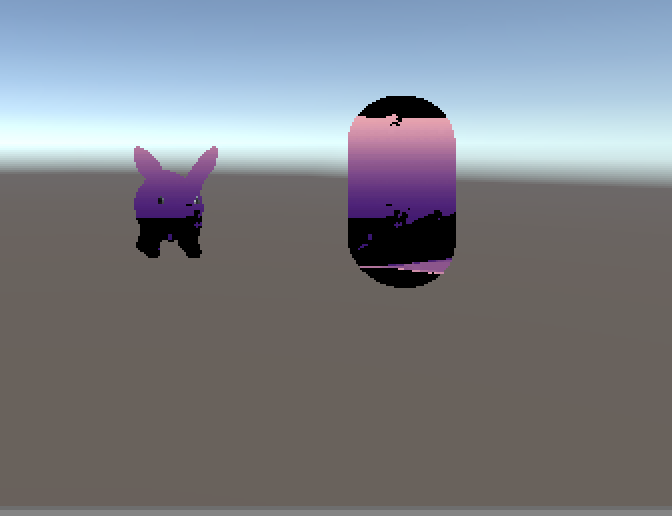
This week I focused on figuring out how to get Unity to take different data and do something with it in an HLSL shader – mainly going through the documentation and brainstorming ways to efficiently put data into the shader. I also worked on simplifying the task by creating a lookup table with a single level, and only going over that level. Anywhere that the algorithm completely failed, I left black.
One of the most difficult tasks was figuring out how to send normal data to the shader. I decided to try normal maps, since other methods of taking the normal would have been quite expensive. While I could just send the normal map for the rabbit, for instance, to the shader, I couldn’t easily send a sphere’s normal map to the shader and use it as an effective lookup table. What I tried to do instead was to iterate over the normal map of the sphere and create a lookup table as a 3D texture, in which I stored the pixel coordinates at the value of the normal.
I ran into a lot more difficulties this week than I imagined, in a few different areas. Most of them are still bugs that I’ll be fixing this week:
- The lookup table may not correctly normalize its values, and may need to be reworked to be easier to use
- The jitter table may provide too much or too little jitter
- There may be some issues with how the normals are being taken in different areas.
- General issues with the lookup tables and calculations
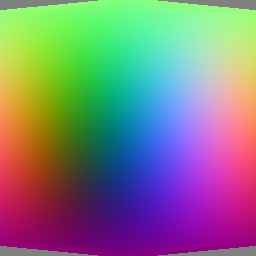
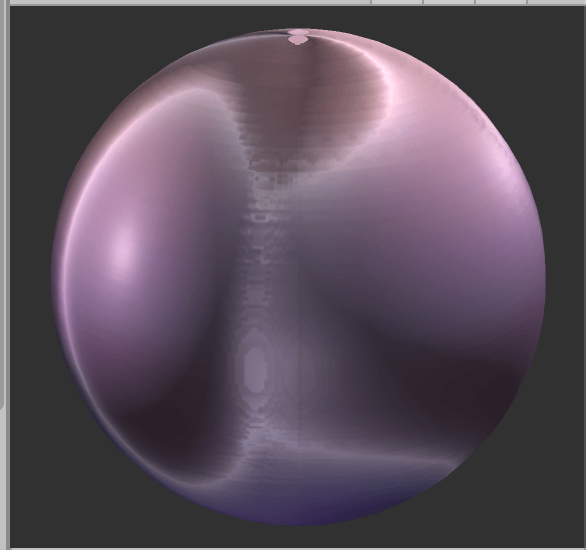
One of the trickiest things has been figuring out how Unity interprets normal maps, and what things are actually supposed to look like. I’m more familiar with Maya, so when looking at a normal map like the one below in Maya, on a sphere, it does absolutely nothing to the render state. If you put it in Unity, though, it radically changes the rendered sphere. I’m not entirely sure what to make of this, and it may mean that there’s a better way to retrieve normals than what I’ve done within Unity. That’s also something I’ll need to focus on later.
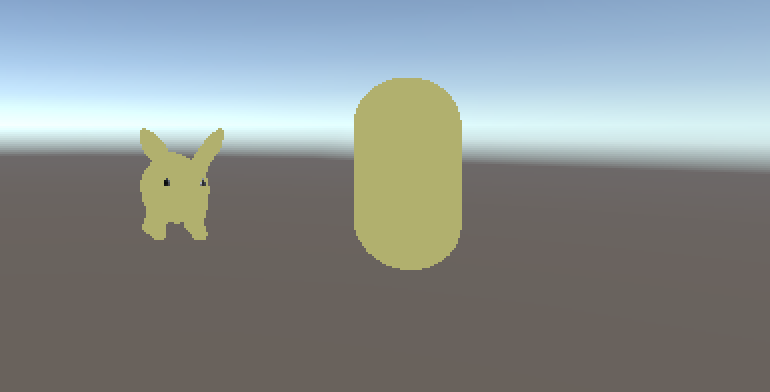
Throughout the week, I will focus on fixing these issues and getting something more usable. Below are some progress images:

 StyleBlit: Image Stylization Project