Most of my work over the last 2 weeks has revolved around getting Unity set up and experimenting with it to learn more about the interface and creating and manipulating objects and shaders within Unity. Most of that work has gone into a sample project that I haven’t included on GitHub, since it won’t be used in the final project. A lot of that effort went into understanding Unity’s setup with C#, as I haven’t worked with it before. I worked on rotating and translating a cube, as well as changing rotation speeds with some slider scripts. Here’s an example of what the sample project looked like:
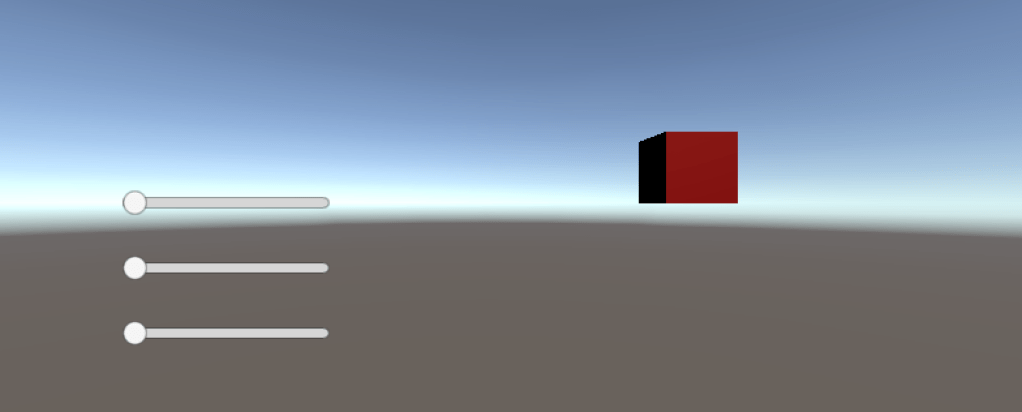
It doesn’t look great, but it is just a sample. I’ll be using this sample project as a bit of a Unity sandbox to experiment without breaking my actual project.
For the project itself, I’ve created a fairly empty project with a single capsule shape that’s using a custom material and shader. There isn’t anything special about the shader – it’s a base on which I’ll implement the StyleBlit algorithm in the coming weeks. Here’s what is looks like:

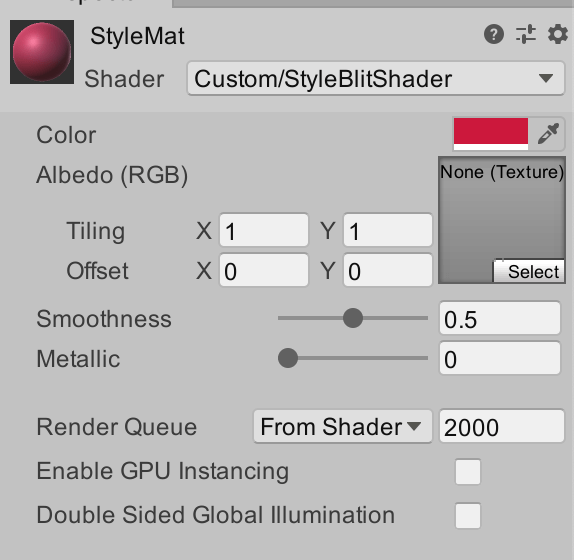
I chose to use a capsule specifically because it’s not a sphere, but it has a few different kinds of geometry on it, including rounded ends and larger “straight” sections along the sides. I plan to add a few more assets to this project to see the effects on different types of models, instead of just basic geometry.
What I’ll be working on next:
- Beginning the implementation of the StyleBlit algorithm
- Adding a few different models to the scene, for ease of testing
- Bringing watercolour samples into Unity
 StyleBlit: Image Stylization Project